
Accessible spreadsheet systems
ClearSheet Accessibility Workspace
A guided data-entry workspace designed around clarity, comfortable navigation and individual preferences.
Discuss your project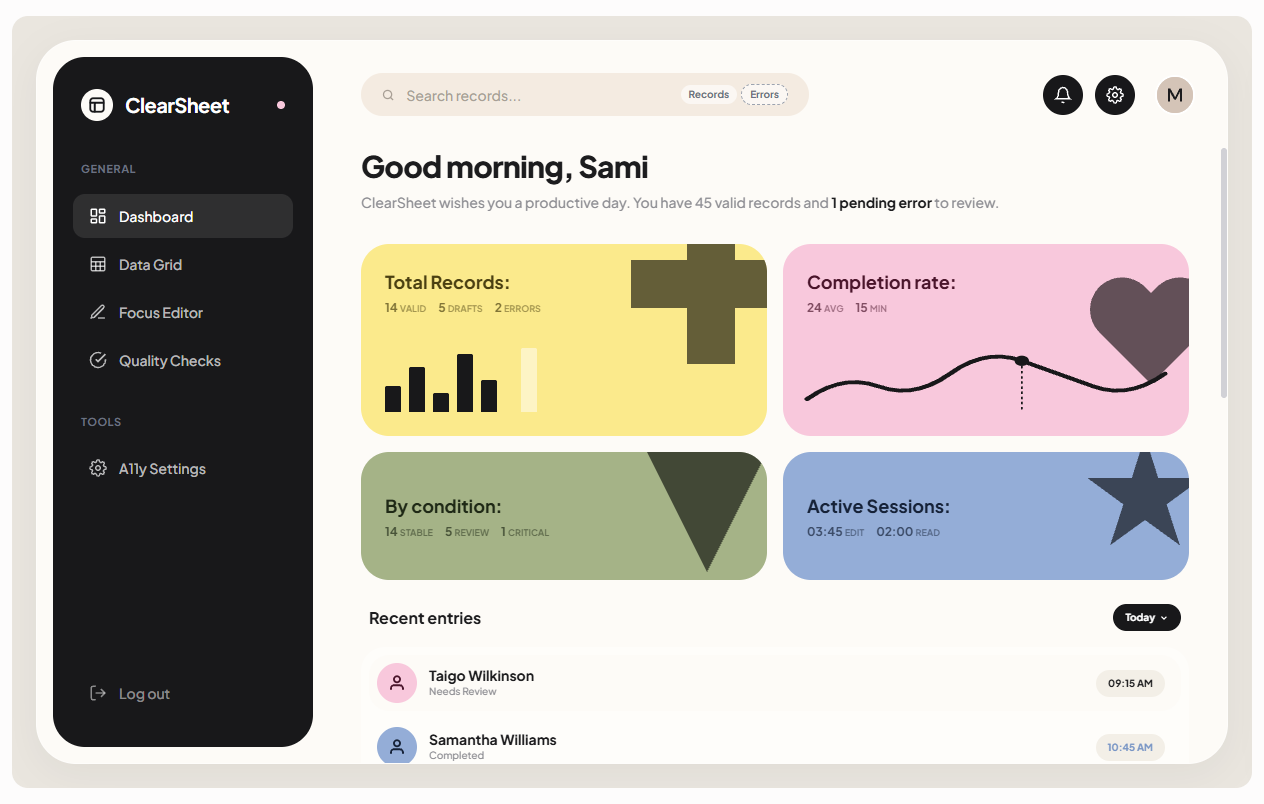
The challenge
The work behind the interface
A dense Google Sheet, small typography and unclear focus states made reading, navigation and data entry tiring. The workflow needed to respect the way the client used information.
The solution
SheetFlow refined the structure and separated dense grid work from a guided single-record Focus Mode. Adaptable text spacing, contrast settings, validation and plain-language guidance support a more comfortable workflow.
Workflow
One connected way forward
Focus on one record
Validate the entry
Review changes
Inside the system
A closer look at the working interface
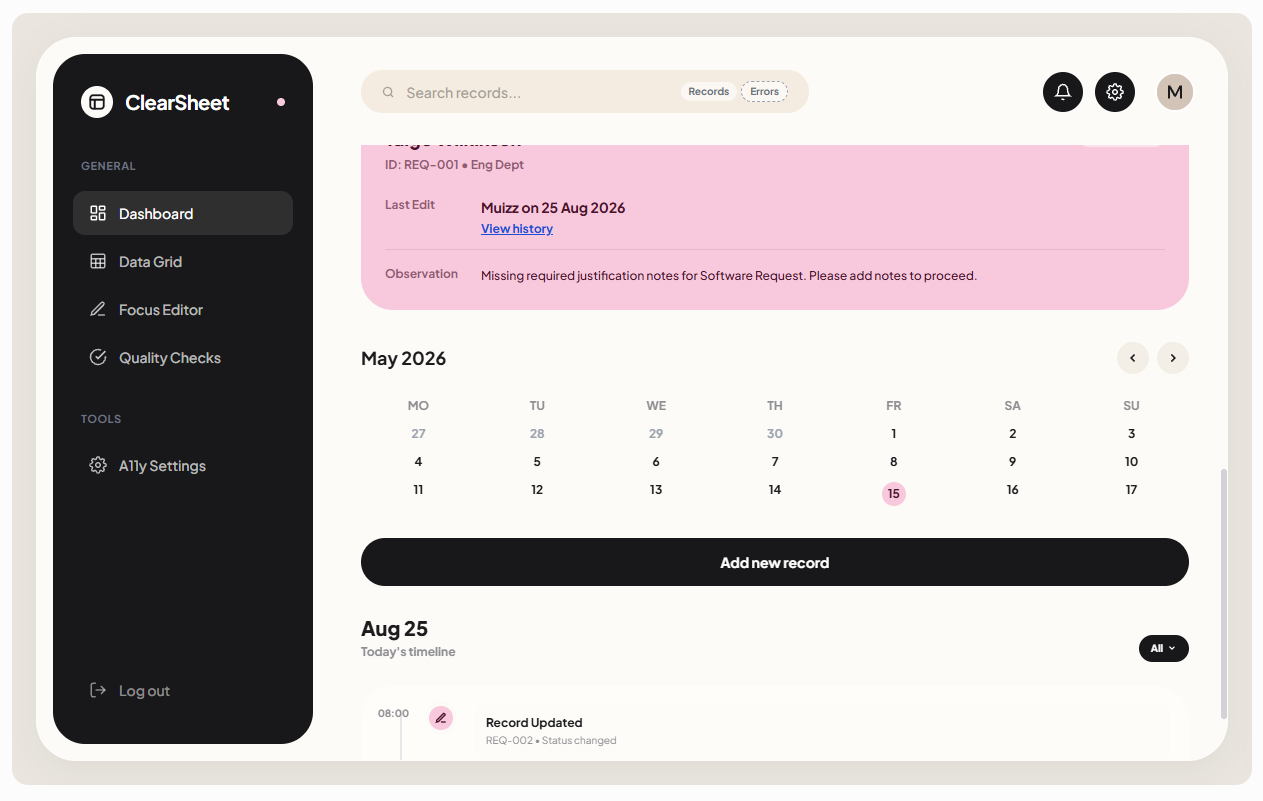
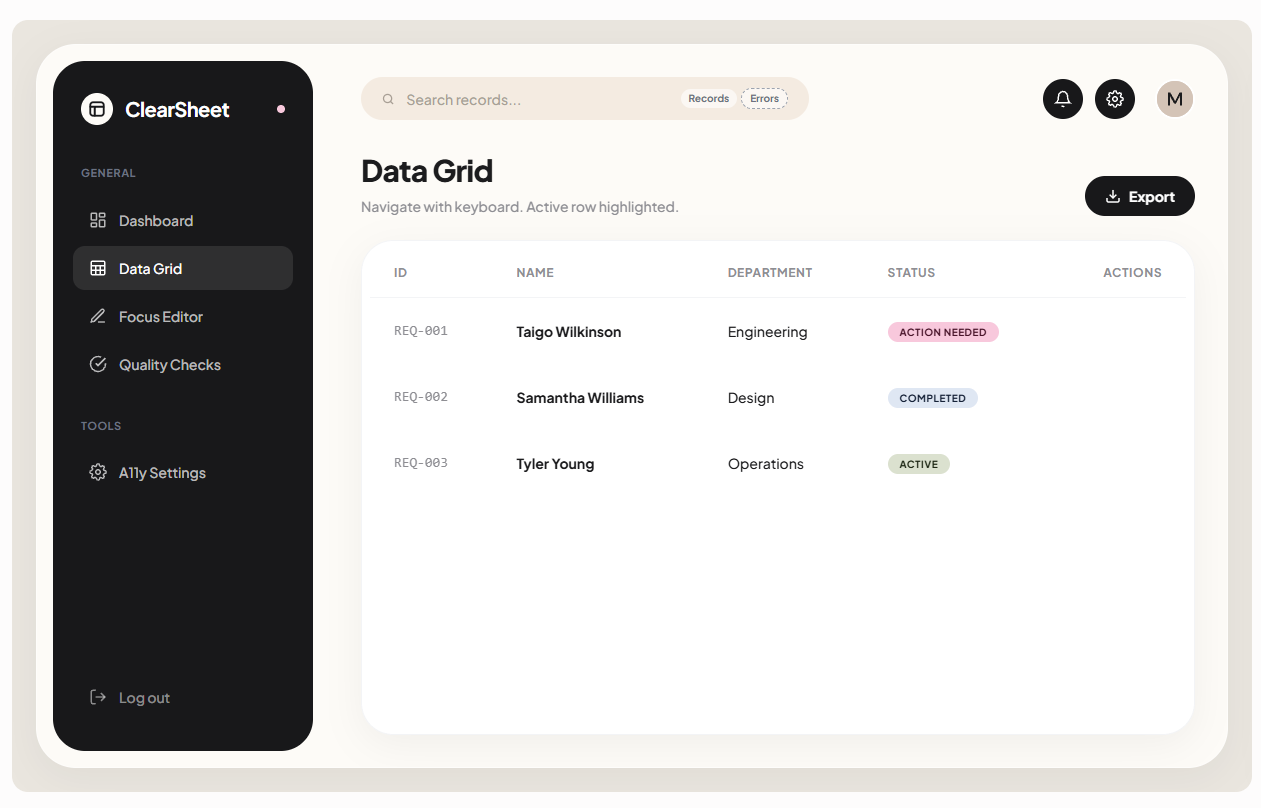
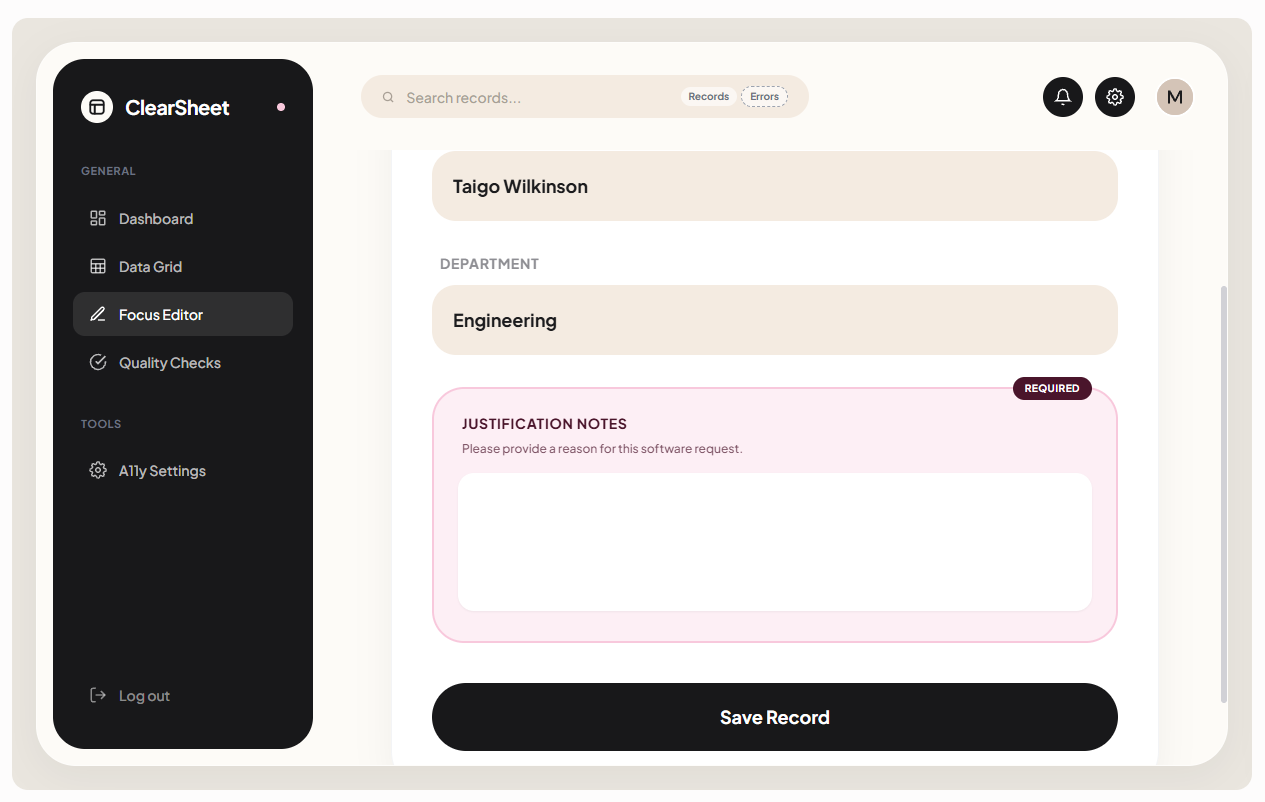
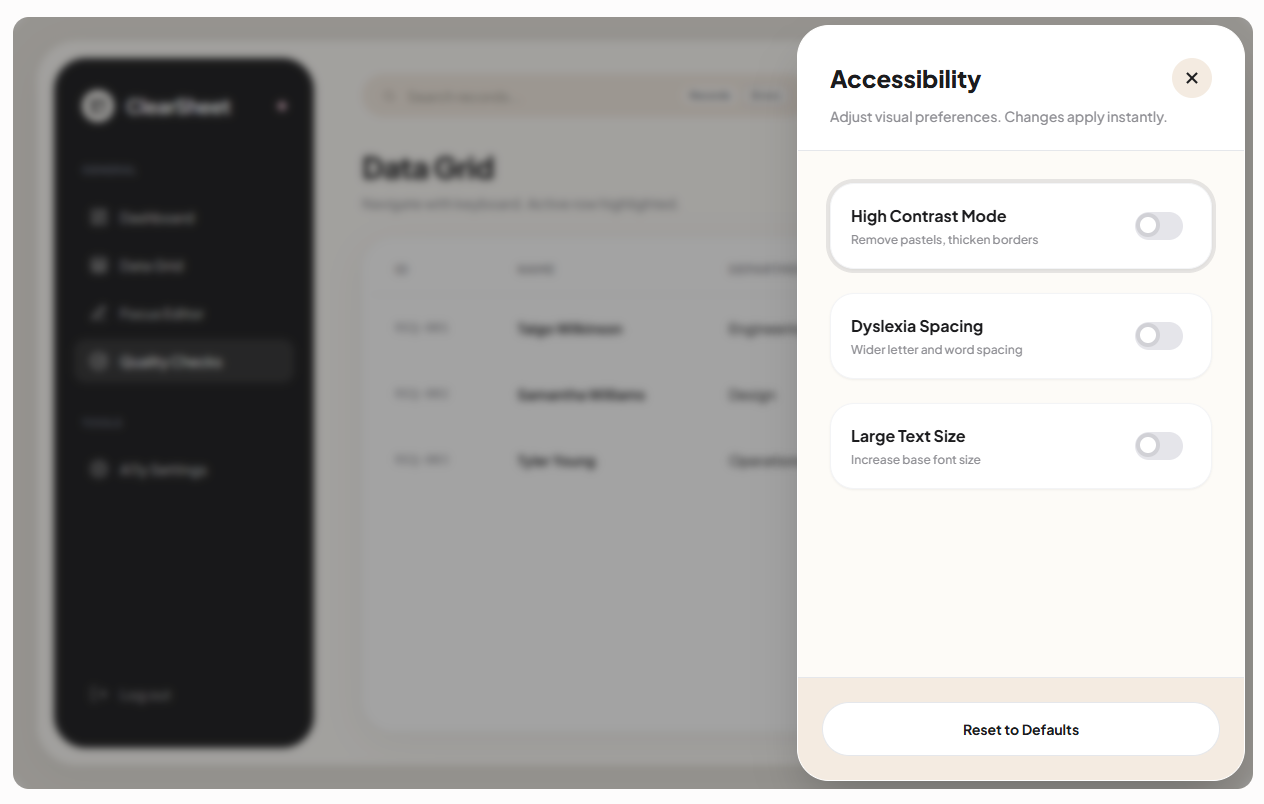
Interface screenshots use reconstructed / synthetic records to protect client privacy. Displayed figures are demonstration data, not claimed project results.
Technology & capabilities
The result
A clearer document that is easier to navigate and more comfortable to use.
Guided entries and actionable validation reduce friction in everyday record management.
★★★★★ 5.0
Google Sheet Editing and Usability
Working with Muizz to edit my Google Sheet was a great experience. He's a talented and friendly young freelancer who was very patient and understanding, especially with my dyslexia and...
- Collaborative
- Reliable
- Committed to Quality
- Detail Oriented
How SheetFlow helped
A spreadsheet shaped around the person using it
SheetFlow refined the Google Sheet around the client’s needs and explained the changes patiently, making the finished document clearer, easier to navigate, and more comfortable to use.
Related capabilities
Related insight
Start a conversation
Build a system your team doesn’t have to fight.
Tell us where the process is slow, repetitive or unreliable. We’ll help you design a cleaner way to run it.
Discuss your projectSYSTEM PREVIEW
Document workflow
Ready to sendFrom a form to a finished PDF.
SYSTEM PREVIEW
KitPulse
ConnectedEmail activity meets reporting.